Website Redesign Checklist: What to Keep, What to Kill

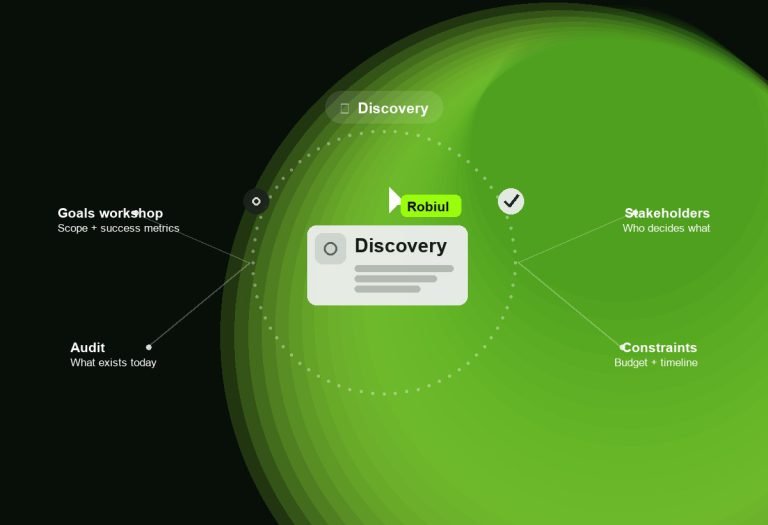
A redesign that loses rankings is not a redesign, it is a reset. It happens for a dull reason: the team decided what to change based on what the old site looked like rather than what it did. Before anyone opens a design tool, find out which pages are earning their place.
First, pull four reports
- Top pages by organic traffic for the last twelve months. These are the pages you are not allowed to break.
- Pages by conversion — form fills, calls, bookings. Traffic and conversion are rarely the same list, and the second one matters more.
- Every indexed URL. Search Console will tell you what Google actually knows about. It is usually more than you think.
- Core Web Vitals, today. If you do not record the baseline, you cannot prove the new site is faster.
Keep
- URLs that rank. If a page earns traffic, keep its address. Changing a URL for tidiness is the most expensive kind of tidy.
- Pages that convert, even ugly ones. Redesign them, do not delete them, and check the new version against the old numbers.
- Content that earns links. Long guides and resource pages are assets. Improve and republish rather than dropping them.
- Anything with real proof in it — reviews, case studies, named clients, results. This is the hardest content to replace and the easiest to lose in a rebuild.
Kill
- Hero carousels. The second slide is seen by almost nobody. Pick a message.
- Stock photography of people who do not work for you. Visitors know. It costs you credibility for free.
- Vague “Solutions” pages that never name what you actually do.
- Plugin sprawl. Every plugin you drop is a licence, an update and a conflict you no longer own.
- Interruptive popups on entry. If it fires before anyone has read a sentence, it is costing more than it captures.
- Pages with no traffic, no conversions and no strategic reason to exist. Redirect them somewhere useful.
The technical checklist
- A complete redirect map, old URL to new URL, one row per indexed page. No blanket redirects to the homepage.
- Analytics parity — the same events tracked before and after, so the comparison means something.
- Staging site, password protected and blocked from indexing.
- Metadata carried across: titles, descriptions, canonical tags, structured data.
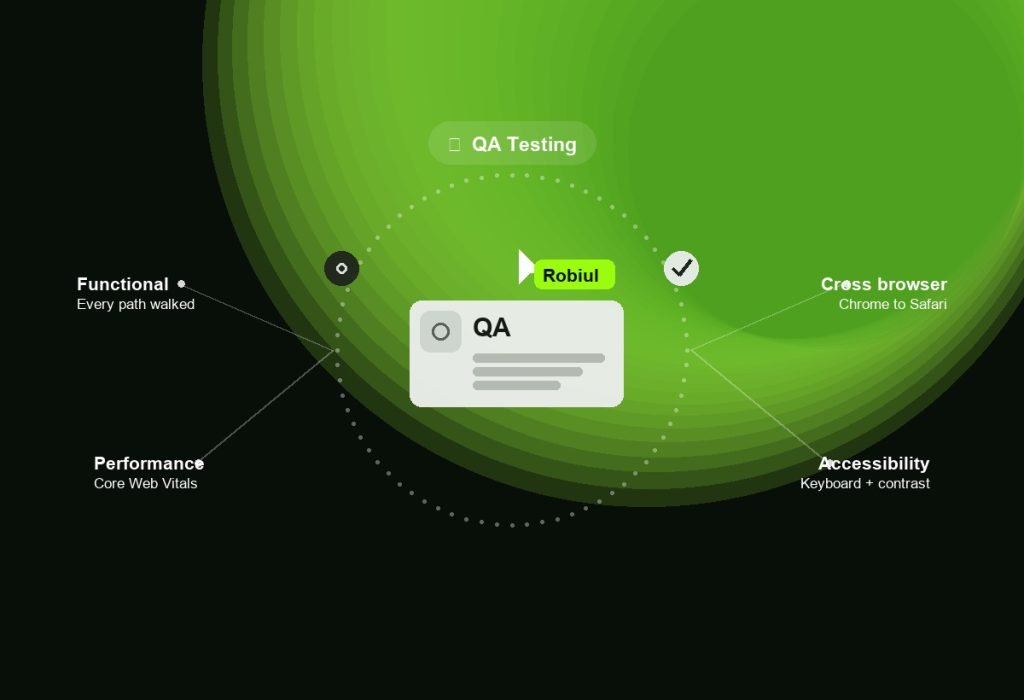
- Forms tested end to end, including where the notification lands and who receives it.
- Core Web Vitals measured on mobile, on a real device, before you call it done.
Launch day
Go live at a low-traffic hour, keep the old site recoverable, submit the new sitemap, then crawl the site immediately and fix every 404 you find. Watch Search Console daily for two weeks — a small ranking dip in the first fortnight is normal, a sustained one means something in the redirect map is wrong.
Thirty days later
Compare traffic and conversions against the same period last year, not against last month. Seasonality will otherwise tell you a story that is not true. If a page that used to convert has stopped, look at what changed on it before blaming the platform.